
Sorry guys, I know I know, I've been away for far too long....
Well as Mr Peter Dicki*** said recently...I'M BACK!!!
Now I'll be posting up some of my recent works very soon...Just hang tight for it...Bandwidth Street Press kept me busy for the past 3 months, but since it's getting steadier lately, I'll be focusing back on my photography, maybe some videos as well...
Peace out for now..wait for my works!
Wednesday, May 6, 2009

Wednesday, February 11, 2009
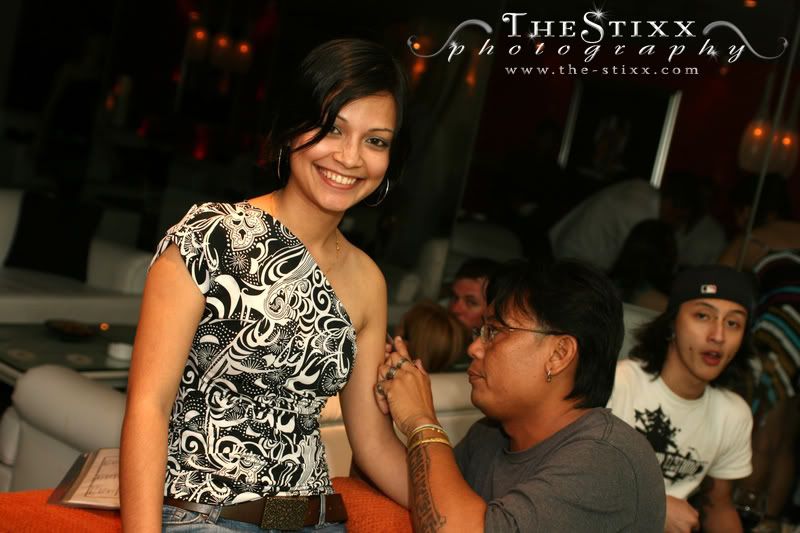
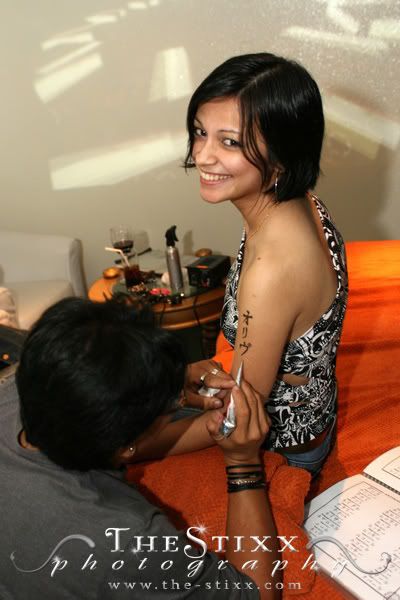
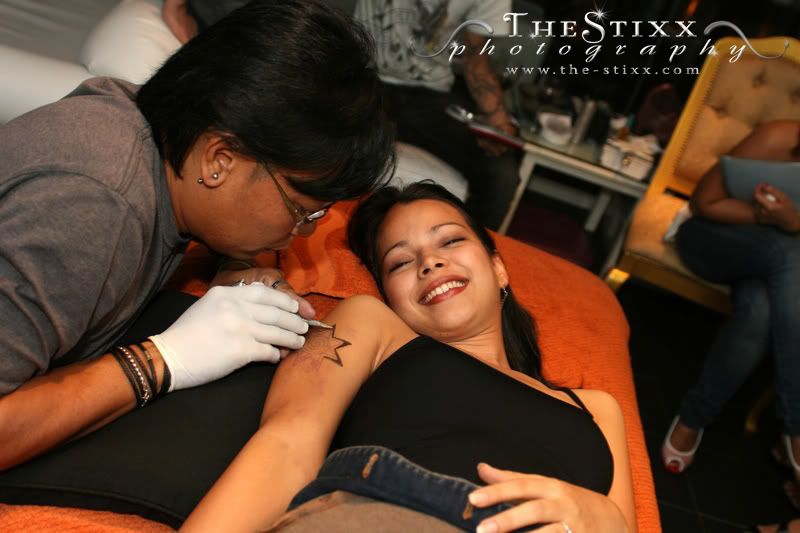
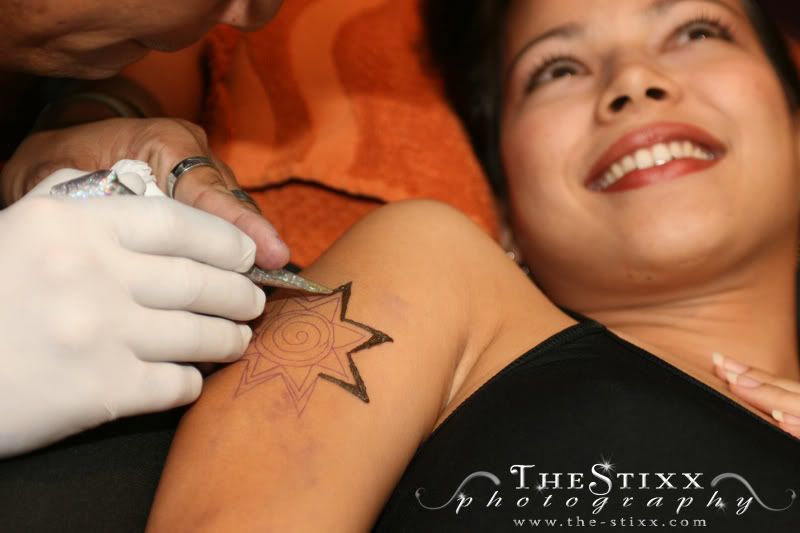
TATTOO THURSDAYS @ BLUE NOTE - SHOT 5th FEB 2009
So here's some shots of what has been going on at Blue Note so far for the new year.
Monday, February 9, 2009
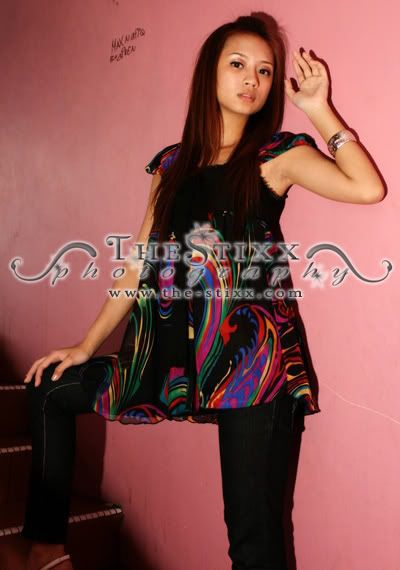
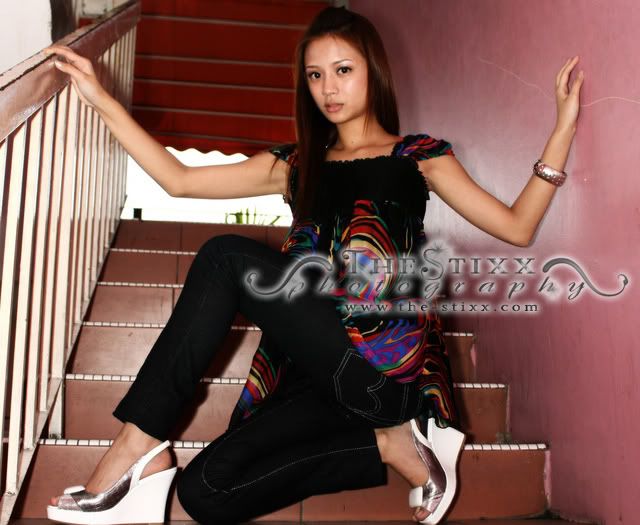
QUICK 5 MINUTES MODEL SHOOT - 8TH FEB 2009
These are shots done up so quickly, that you could even cook 2 packets of instant noodles. Approximately 5 minutes each was used to shoot these 3 gorgeous ladies. Thank goodness they had makeup on.
MANDY


MADONNA


YVONNE


MANDY
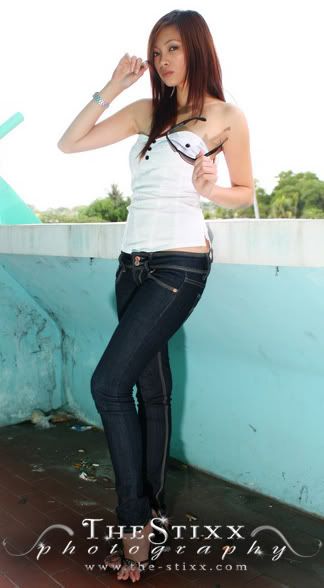
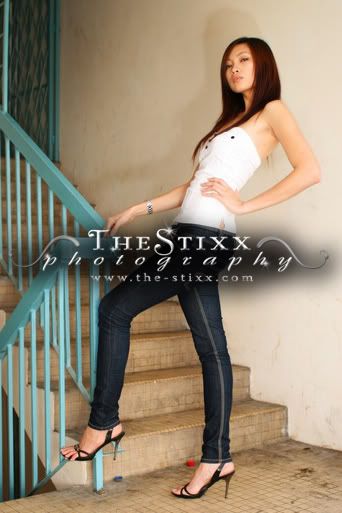
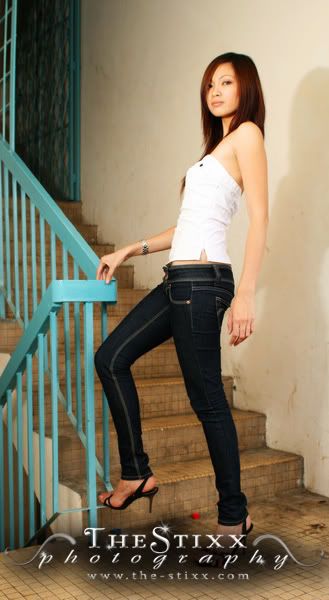
MADONNA
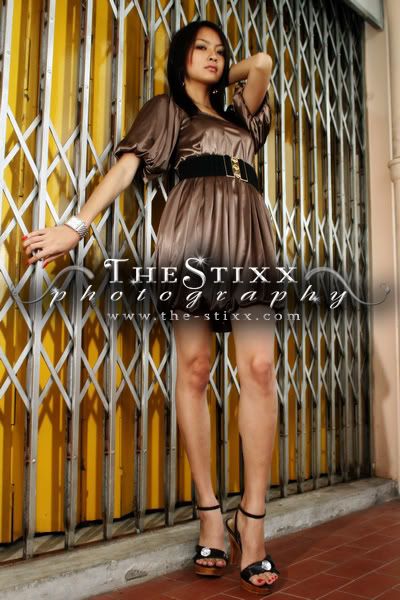
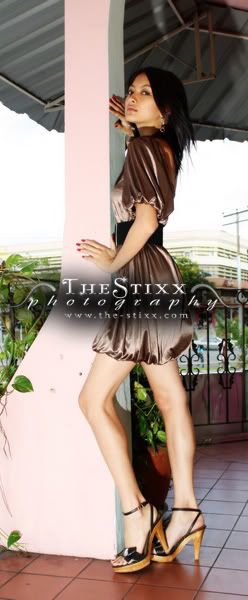
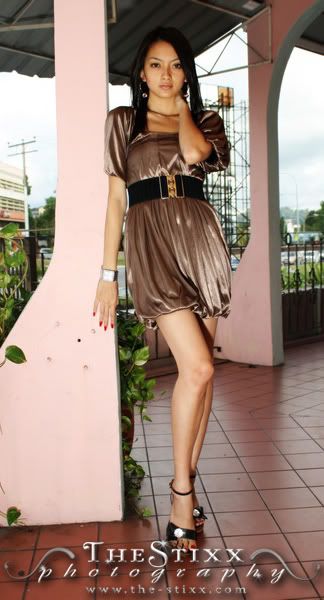
YVONNE
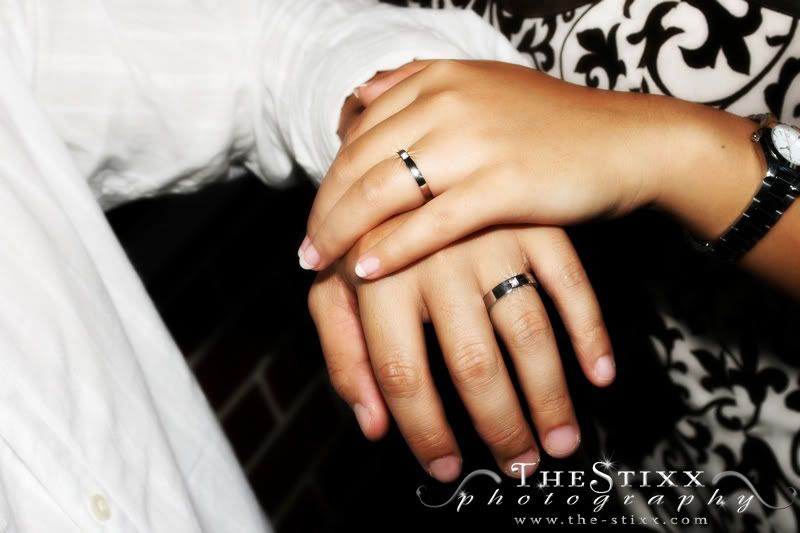
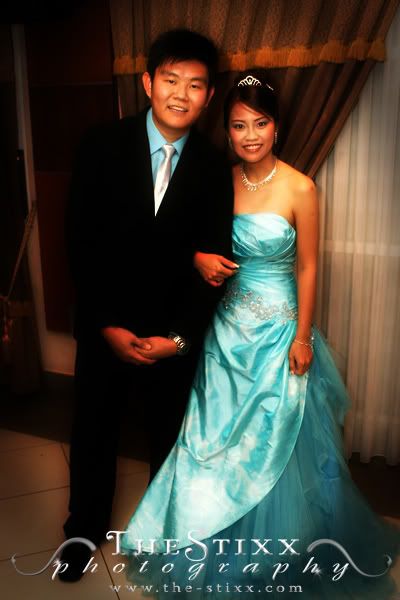
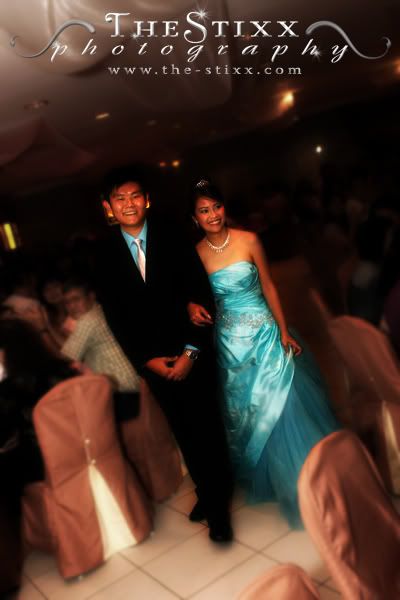
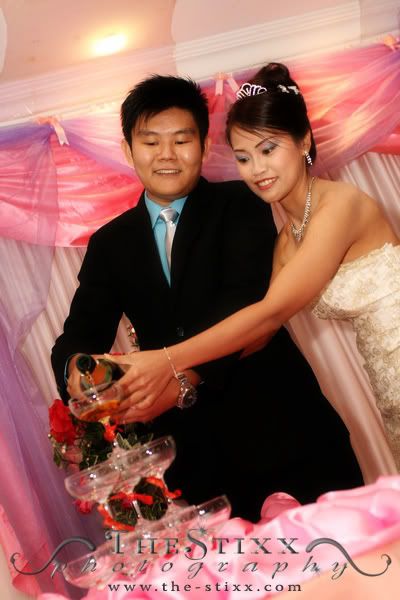
May & Dos - Wedding Ceremony & Reception
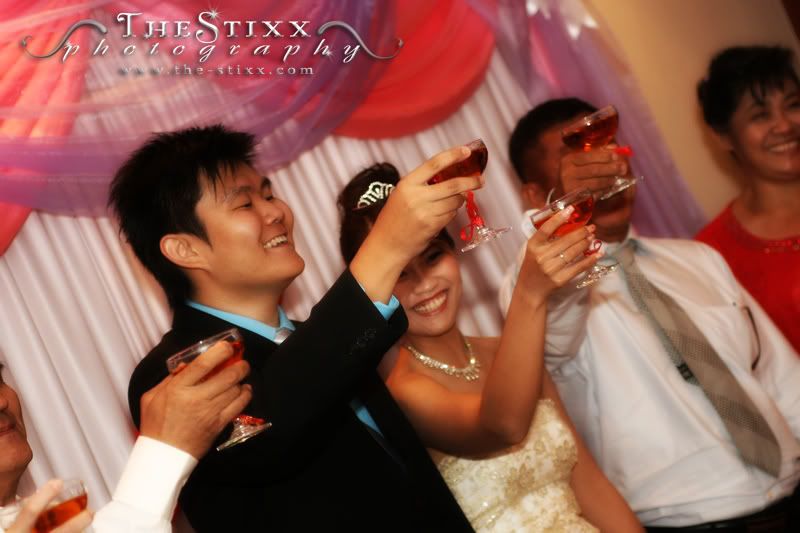
May & Dos - Wedding Ceremony (30th January 2009, Stella Maris Catholic Church) & Wedding Reception (31st January 2009, Marina Cafe - Sutera Harbour Marina)
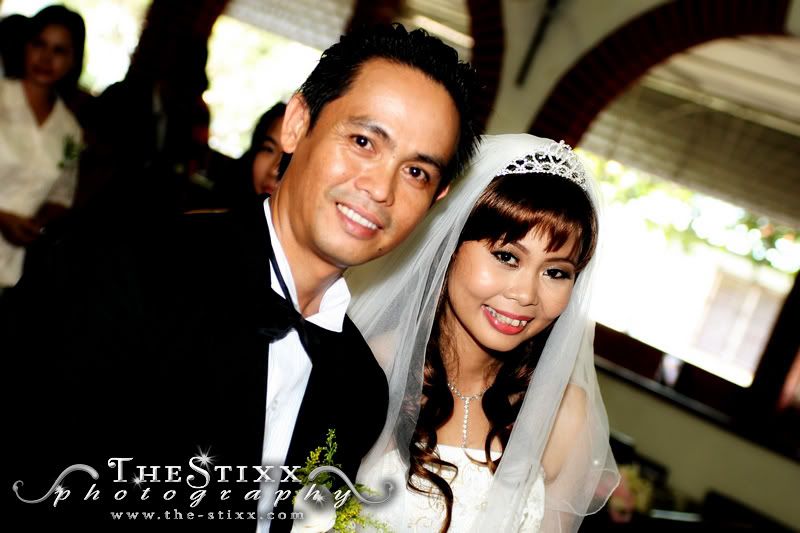
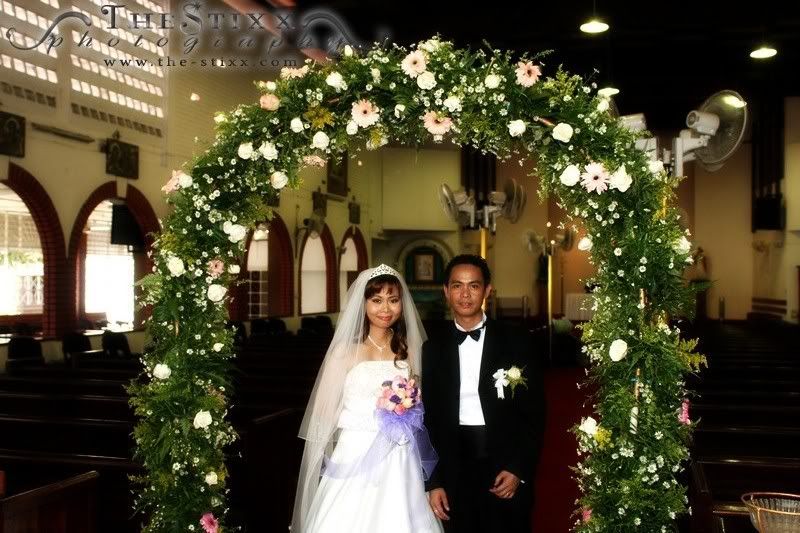
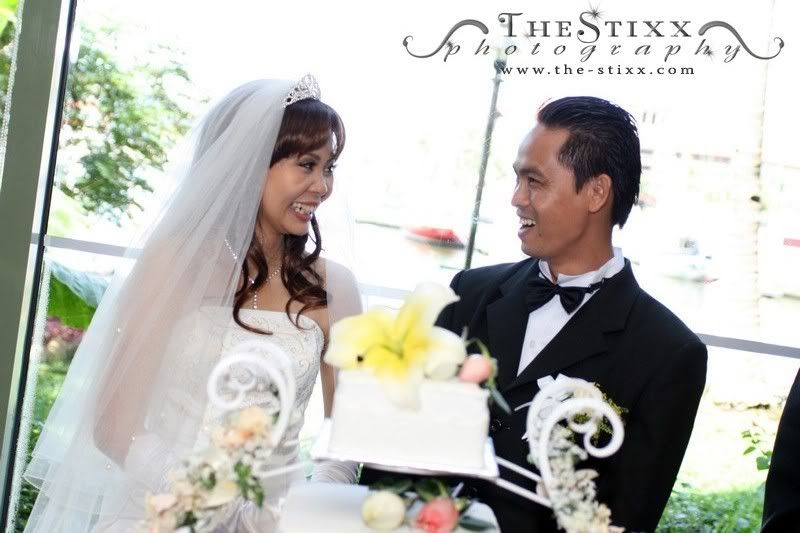
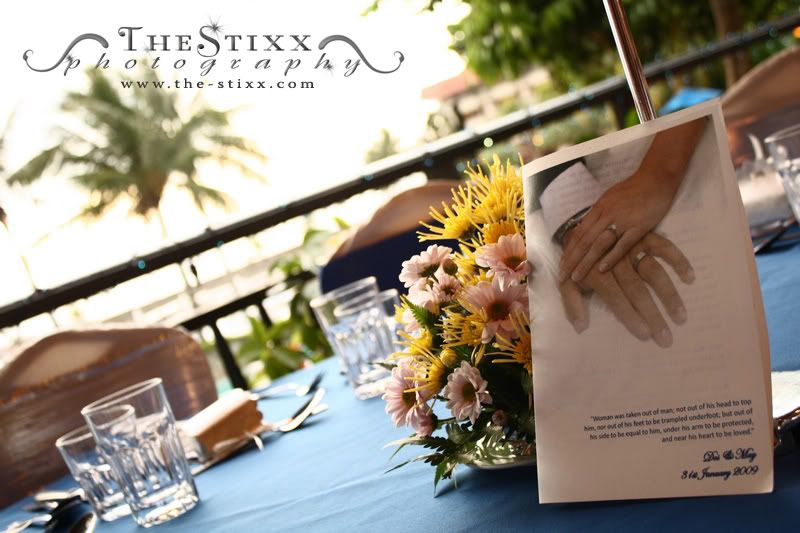
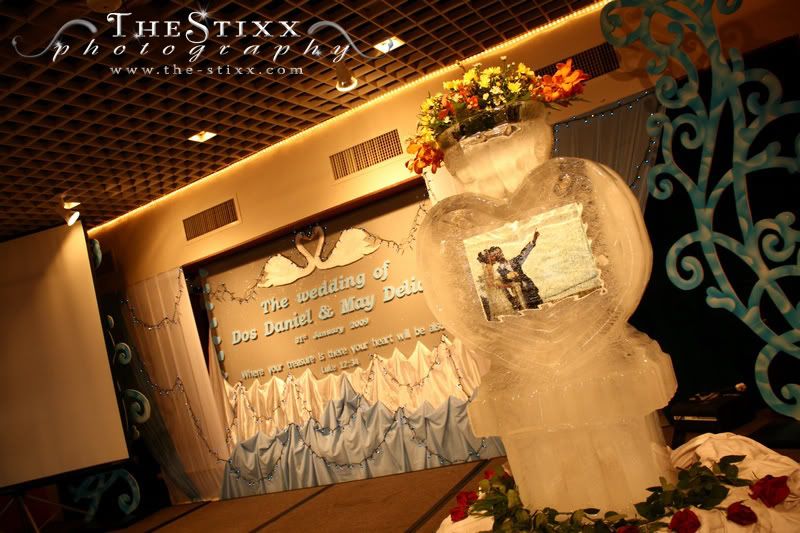
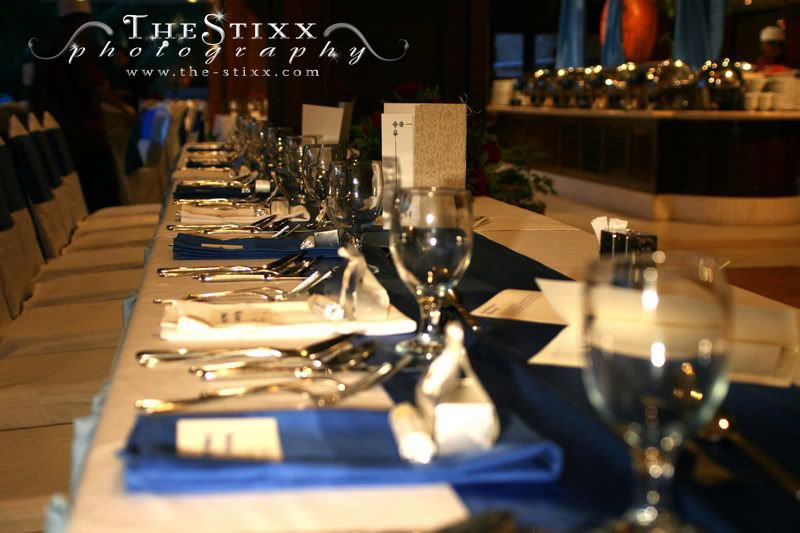
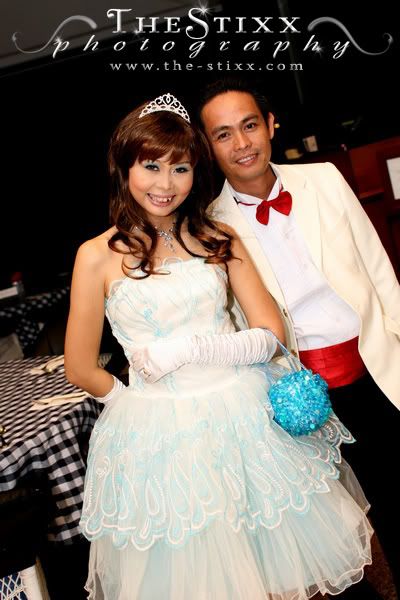
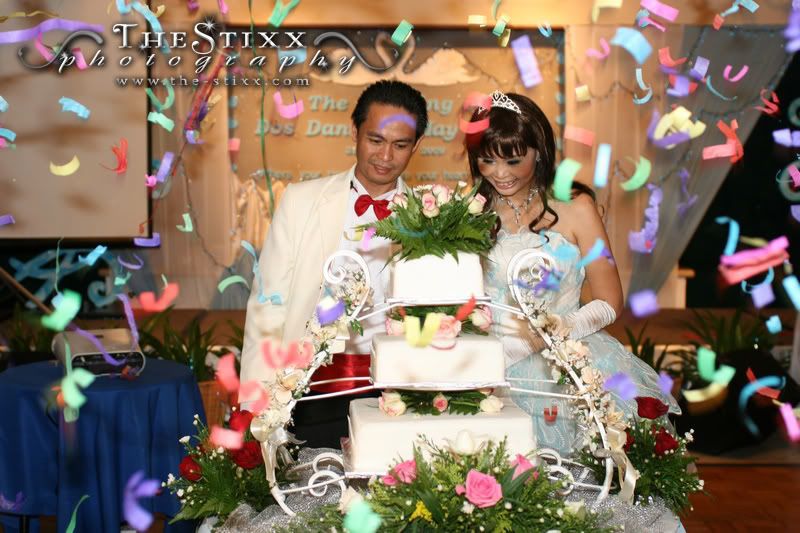
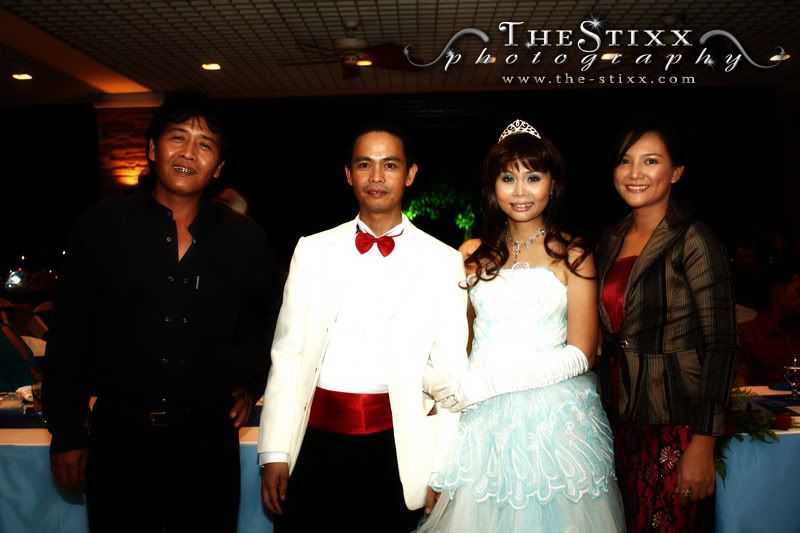 Kimin Mudin, Dos, May, Clarice John Matha
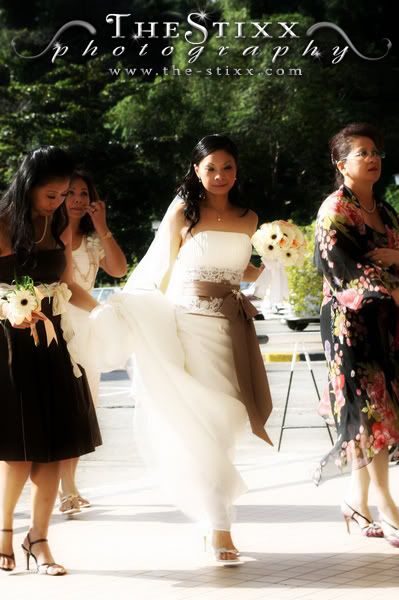
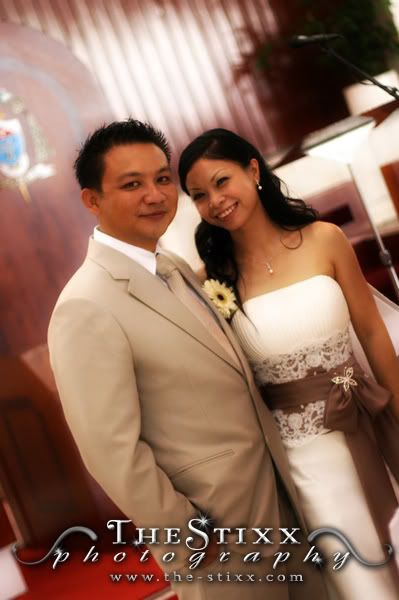
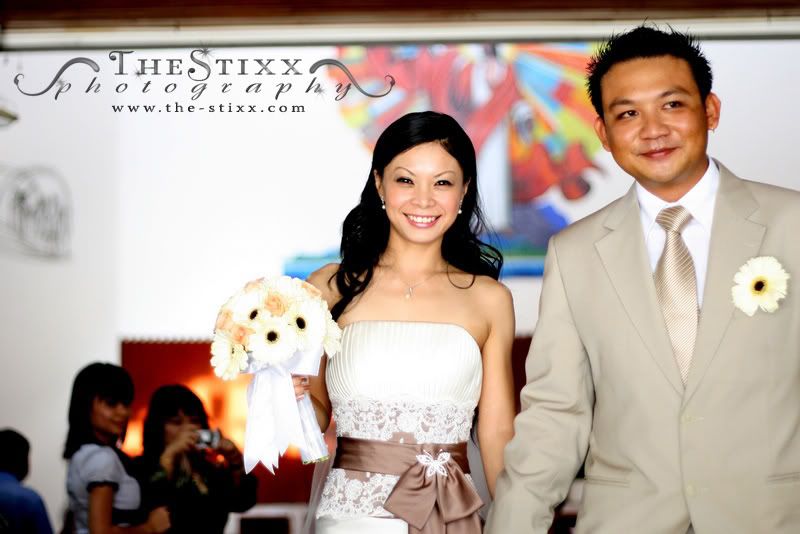
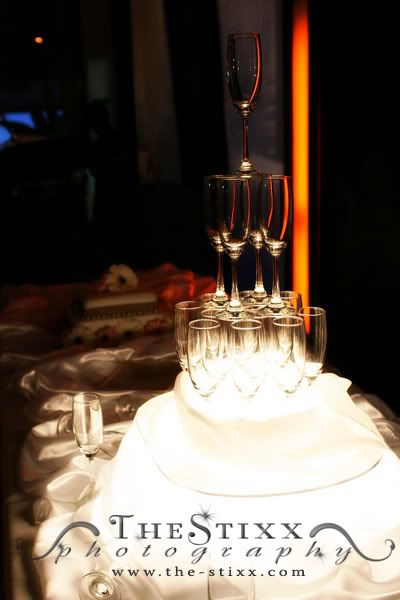
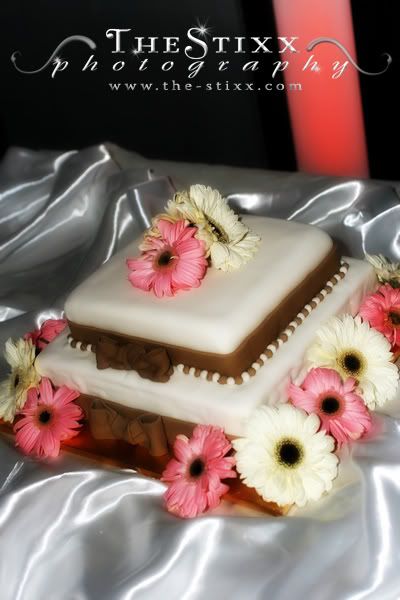
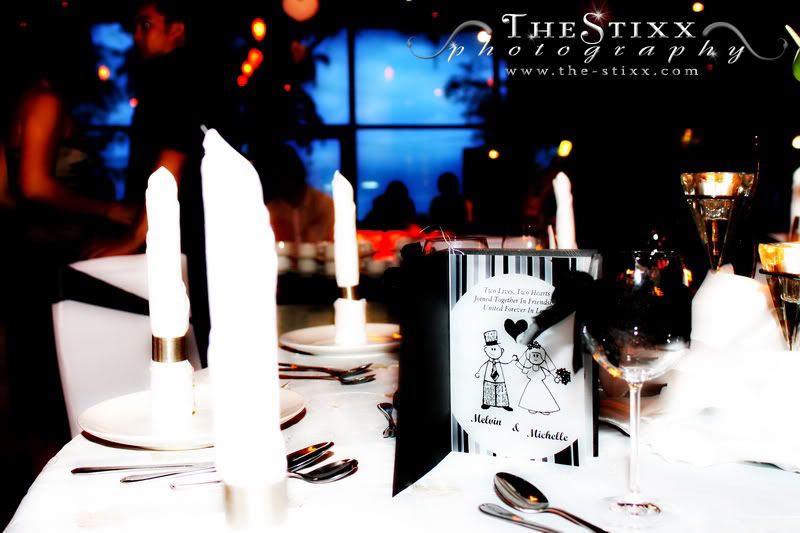
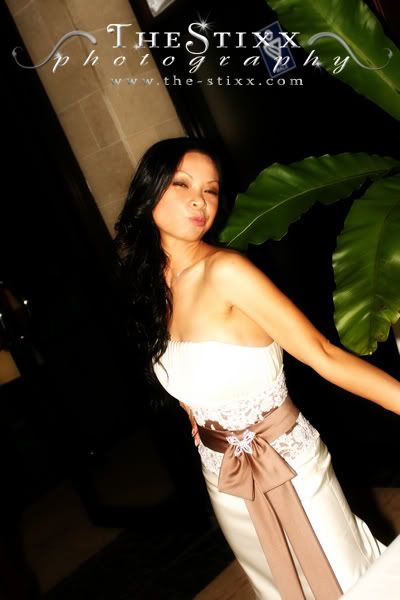
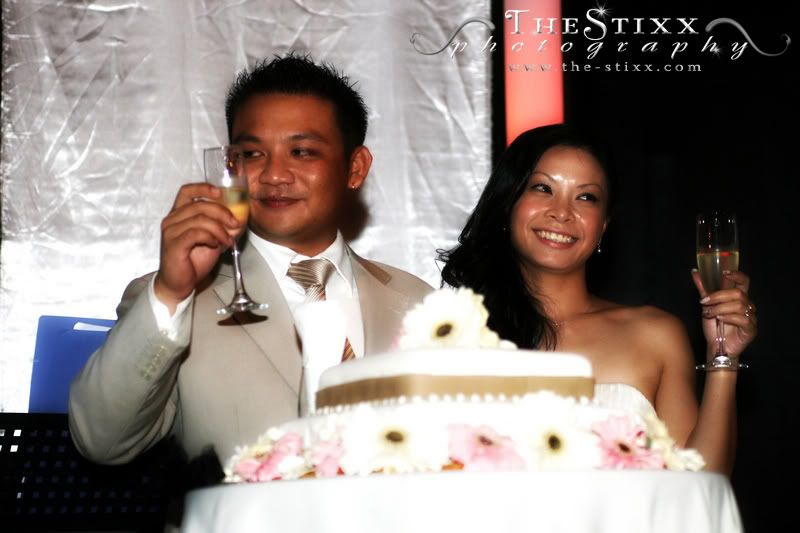
Michelle Mosom & Melvin Sikayun - Wedding Ceremony & Reception
Michelle & Melvin - Wedding Ceremony (16th January 2009, Sacred Heart Cathedral) & Wedding Reception (24th January 2009, Mediterranean Bar - Tg. Aru)


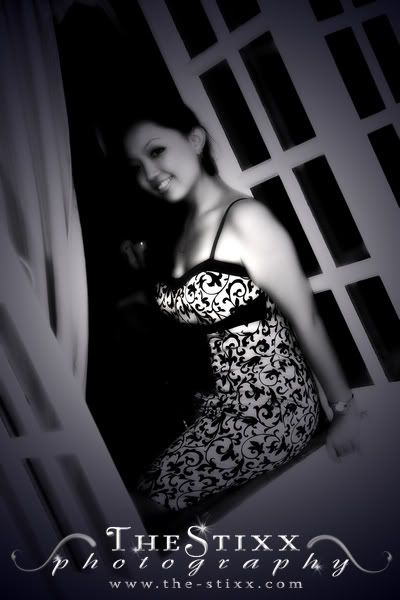
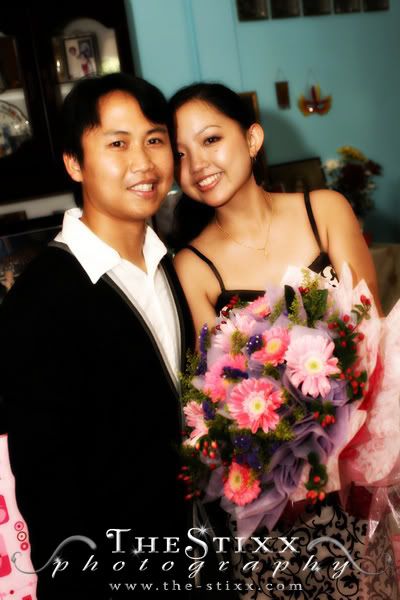
1st January 2009 Shoot - Dede & Bede - Beautiful Engagement
Daphne & Bede - 1st January 2009 - A Wonderful Start to Their New Year


Tuesday, December 23, 2008
Quick and Simple to Adapt Photography Tips
Here are some rituals that I do before having a snap (whether it's a quick shot or a calculated one).
- Adjust Perspective/Composition: So you keep hearing pros telling you to learn to shoot at eye level. Why don't you start experimenting on different angles from now on. Try a shot from a low angle pointing upwards directing at your friend's face. See the effect it makes? Shooting from a low angle provides an essence of greatness or power of the subject. Now try aiming from a high angle pointing the lens onto a small village girl somewhere in Cambodia. If the girl is showing a frown, you might just achieve a sad story from the her facial expression.
Another law that the experts keeps telling you is to follow the rule of thirds. You've been good thus far in following that order. Now be a rebel and break that rule. Try to frame your subject/object onto the right side or left side instead of plain old center shots. You would probably get an amazing outcome. No harm in trying. - Lighting Judgements: This is the most crucial part in the art of photography. Even when shooting in black and white. Firstly, pick up that DSLR Manual book of yours. Read through the buttons, study what's what on your camera. Second, look at the surroundings of your desired shot. Is it bright? Are there light source in different areas of your subject/object. If there isnt enough light, compensate by using a better lower f-stop lens. Or simply use the flash gun. Even better, achieve different version of shots by using an off-shoe flash. If you're shooting a landscape, a tripod is a must. Otherwise expect some blurryness. No one can perfectly teach others in lighting judgement. You'll have to study your camera firsthand and once you've mastered it, you should be well on your way towards greatness.
- Framing: Test your framing before you take a shot. Move your lens around to see what's the best angle or framing to take. If you can't decide, take a few shots of the same subject/object and move around with each shots. Don't get stuck by shooting everything centered.
- And lastly....Deep breath and Hold your camera steady, focus and snap!
General and Quick Photo Editing Tips
I've been told not once, not twice but numerous times (even by photography experts) that any image that has been edited is no longer eligible to be called a photograph. I can't say that I agree nor disagree with this comment because I still edit some of my images. The only problem with this type of remarks is that DSLRs or even Digital PnS Cameras works, as the name calls it, Digitally. We can't rely on electronic forms purely, so needless to say, the only way around to a perfect shot is to post-process it. Big shot magazines does it, professional portraitures does it, so why is it that editing is a taboo again?
Furthermore, look at the way images were processed in the old times. Obviously they did not have computers or photoshop to be used as an editing mechanism, but that did not stop them from editing their raw material. The process of exposure adjustments was the most notable act of editing. I rest my case. :p
Anyways, I'd love to share some tips on basic photo editing techniques. Here are 3 basic principles that I have adapted throughout my journey behind the lens, plus they're all quick jobs.
Furthermore, look at the way images were processed in the old times. Obviously they did not have computers or photoshop to be used as an editing mechanism, but that did not stop them from editing their raw material. The process of exposure adjustments was the most notable act of editing. I rest my case. :p
Anyways, I'd love to share some tips on basic photo editing techniques. Here are 3 basic principles that I have adapted throughout my journey behind the lens, plus they're all quick jobs.
- Exposure Level Adjustments : The most common issue in photography is the exposure level. A lot of factors can throw us off in regards to exposure judgement when we shoot outdoors or indoors, for example, the brightness of the sun can disrupt our accuracy in judging whether the picture taken was underexposed or overexposed when looking straight at the camera's LCD.
Solution before editing - All DSLRs have exposure monitors (you'll have to refer to your manual for the button). Judge the levels by looking at the histogram. If it's not balanced, then shoot again.
If this fails, do not worry. Open up photo editing softwares like Photoshop or GIMP (Free to Download). Open your image that you want to edit. Depending on the softwares, find 'Levels Adjustments'. Fiddle with the sliders and adjust as needed. It normally looks like a histogram, yes just like the one on your DSLR, and it will show you the original levels initially. You'll find your image to be more beautiful as you adjust the brightness. - Color Balancing Adjustments: Sometimes your image turns out redish or greenish or blueish. That's a colorg balancing matter. It normally generated by a wrong judgement of white balancing within your camera's settings.
All DSLRs have a white balancing function and most digital PnS cameras has it as well. Have a go at different balancing and see the difference it makes to the image.
Using any photo editing softwares, you are able to change the color balance of the image to suit your desired effect. It will normally be the 'Color Balance' function in these softwares. - Symmetrical Straightening Adjustments : Another mistake we all do is picture framing. If you later realise that your shot is crooked on one side, easiest way to adjust that is to make the appropriate selection on the image and rotate it until it is straight. Then, crop out the unwanted areas.
Tuesday, November 25, 2008
Kingston DataTraveler 101 Review

So I just recently bought a USB Drive with the size of 2GB. Owh, I got the yellow/goldish one by the way. Kingston Technology’s Data Traveler 101 is a portable and practical USB flash drive that provides obviously data storage and also protection in an extremely literally featherweight and compact design.
What's really good about it is that its priced at around RM 25 (USD 7) in Kota Kinabalu at the moment. Possibly cheaper in KL. This product is designed for those cost-concious customers who wants a product with great functions and specs, but only wants to pay peanuts for it. Well there you go folks, its now priced at peanuts. Great for photographers and graphic designers (just like me :p). The model also comes in 1GB and 8GB (that are sold in Kota Kinabalu). You'll find it almost everywhere, from Karamunsing to Wisma Merdeka, you name it, you'll find it.
The DataTraveler 101 is capless, with its swivel body meant to protect the USB port. If you're lucky you might be able to find the blue coloured body, otherwise you'll just have to stick to either purple or yellow.
There are a couple of slight drawbacks from this cheap-yet-durable item. That would be its transfer speed which is tremendously slow and it does not come with any straps. Transfer rate is around about 9.6 - 11 MB/s not the greatest speed you would want when copying movies.
Summary:
Pro: Sturdy, Durable, Cheap as Peanuts!, Cool swivel action.
Cons: Poor transfer rate, did not come with a strap.
Final words, its recession time people wherever you are. So just get one will you and stop burning CDs or DVDs. They're a waste of money I tell you!!!!
-Peace out-
Friday, November 21, 2008
Photography Competition in Sabah

Looks like photography in Sabah is getting what it deserves. A new competition called "Simply The Best Shots of Sabah 2008" is currently ongoing. Jointly organised by the Tourism and Youth Ministries and SPPS (Sabah Professional Photographers' Society), total cash prizes equates to RM25K.
Grab your SLR/DLSR/PNS, and start shooting people.
Deadline is in January 2009. More info at http://www.sabah.gov.my/kkbs/.
(I wonder why Canon or Nikon wasn't called for sponsorships...hmmm..oh well)
Monday, October 20, 2008
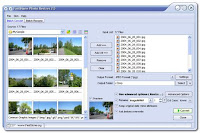
FastStone Photo Resizer Review
So I'm a huge fan of Photos if you can't tell already. With photos, one must have proper tools to manage, edit and produce end results. So here comes an image resizer software that does not only do the job, but also gives one extra features.
Cons: Did I mention that it's free??!!??, so no Cons alright! Seriously, no cons detected at all.
 If you shoot massive amount of pictures from you digital camera and would like to either watermark it with your name or resize them to a certain size or even to add a fancy flair such like the framing borders, this software is for you. It does the job for you if you want to apply the same change(s) to a large collection of pictures. Google it and download for a test drive. You'll be amazed how well it can work for you.
My choice, with massive recommendations, is the FastStone Photo Resizer (Currently at Version 2.8). Here is a list of what it does.
- Batch image resizing with basic customizable settings for outputs, includes
- Instant conversion to other formats (e.g jpeg, gif, png, tiff, bmp)
- Image quality customizing (0-100% quality)
- Watermarking
- Bordering
- Framing
- Image editing
- Bulk Image File Renaming
- The option to keep original image file attribute
Cons: Did I mention that it's free??!!??, so no Cons alright! Seriously, no cons detected at all.
 If you shoot massive amount of pictures from you digital camera and would like to either watermark it with your name or resize them to a certain size or even to add a fancy flair such like the framing borders, this software is for you. It does the job for you if you want to apply the same change(s) to a large collection of pictures. Google it and download for a test drive. You'll be amazed how well it can work for you.
Just got myself a new Toy
Guess who got himself a new Lens? That's me of course :p
Specifically, I purchased the Sigma 70-200mm f/2.8 EX DG HSM II Macro Lens. I know, I know, why not go for the Canon 70-200mm f/2.8 L Lens? The answer is pretty simple, It's recession time for The StiXX *head down, hands on forehead, sighing*
Anyways, let's go over some things with the Lens. The stages of quality and specs check:
Stage 1: The Physical Inspection
Stage 2: Focusing
Stage 3: Extras
 To sum it up:
Pros: f/2.8 means low light capability and bokeh! Cheap, Sturdy, Fast HSM AF.
Cons: focus not so sharp, tripod is needed due to the non OS function
Note: In the next coming days, you won't find the Sigma 70-200mm f/2.8 EX DG HSM II Macro Lens priced under AUD1K anymore. My sources tells me, some of the shops are already being forced to raise lens prices up. One shop-owner told me that its going up by 20-30%. Blame it on the US and Oz economic recession. Glad I got mine just in time.
Specifically, I purchased the Sigma 70-200mm f/2.8 EX DG HSM II Macro Lens. I know, I know, why not go for the Canon 70-200mm f/2.8 L Lens? The answer is pretty simple, It's recession time for The StiXX *head down, hands on forehead, sighing*
Anyways, let's go over some things with the Lens. The stages of quality and specs check:
Stage 1: The Physical Inspection
- No scratch-marks
- Glass is clean and clear
- No foreign material/object found inside the lens
- Owh, so heavy. Weighing at 1.37Kg, its what you'd expect from a zoom lens.
- Hood all good - clear from marks and attachable
- Zoom ring is very smooth with the 'just right' amount of friction
- Focus ring is a bit far to reach, but again, its a zoom lens, what do you expect. Its also smooth and its friction is well build.
Stage 2: Focusing
- Not the sharpest zoom lens around, but for AUD999, it's well worth it
- AF is very fast and silent, unlike its younger brother, the Sigma 24-70mm f/2.8 EX DG Lens. The world has too much noise pollution as it is.
Stage 3: Extras
- I love it when Sigma gives extras to their customers
- The first one is the front lens cap. Its new center pinch and pull cap is much more user-friendly compared to its old cap. Less wobblying and quick fit is key to any Lens Cap.
- The bag is to die for. It comes with the lens for free, and it is padded just how you'd like any lens bag to be padded. The nylon material is also an added bonus.
- Yes, you get the hood (petal design - typical of Sigma)
- Tripod ring also included
- Lastly, a Strap for the padded bag. Whoah!
 To sum it up:
Pros: f/2.8 means low light capability and bokeh! Cheap, Sturdy, Fast HSM AF.
Cons: focus not so sharp, tripod is needed due to the non OS function
Note: In the next coming days, you won't find the Sigma 70-200mm f/2.8 EX DG HSM II Macro Lens priced under AUD1K anymore. My sources tells me, some of the shops are already being forced to raise lens prices up. One shop-owner told me that its going up by 20-30%. Blame it on the US and Oz economic recession. Glad I got mine just in time.
Thursday, October 16, 2008
New Max Brenner Cafe at Metcentre Sydney


So me and my wife plus her family members went over to the new Max Brenner cafe at Metcentre just after having dinner at the Bavarian Bier Cafe. Not bad at all. It was a cold night, and we wanted chocolates for some reason. Walked over there, wobbly of course, (yeah we had some drinks over at the Bier Cafe) and there wasn't any empty tables inside. Thankfully the tables outside had heaters on top of them. We still couldn't stand the cold that night, so we saw an empty slot, quickly went in and set ourselves up. Now at Max Brenner, it's all ordering at the counter and they'll send the orders to the tables (if you dont know already). It was my first time, so forgive my ignorance.
The place was nice, wooden everywhere. From chairs, ceiling, tables, almost all the interior design was wood, dark chocolate colored wood for that matter. I ordered the American Melting Marshmallow, Choc soufflé , and the waffles. As a chocolate lover, this was heaven..yummmmmmeeeeeeeee...lol.
So if you ever wanted chocolates, Max Brenner's the place. Just look at the pictures I took with a 50mm lens. Trust me, you won't regret it. Only drawback though, is the pricing. Be sure to have your work-pay inside your account, otherwise you'll probably end up hating chocolates for the rest of your life. You have been warned! LOL.
The New Max Brenner's address in Sydney CBD
Shop MG 24, Metcentre, 273 George Street,
Sydney NSW 2000
Phone Number: +61 2 9251 7788
Opening Hours
Mon – Thurs - 7:30am – 11:00pm
Fri – 7:30am – Midnight
Sat – 10:00am – Midnight
Sun- 10:00am – 11:00pm
Friday, October 10, 2008
KATA DPS 3N1-20 Review


 So I just bought myself a bag for my DSLR and its accessories. I have been searching for one for quite a while and was initially aiming at the Lowepro's Flipside 300. Design-wise, I strongly felt the KATA was more sleek and suitable for a person with some height.
It was priced at AUD149.99, but I managed to get the manager of the store to mark it down to AUD130. Other models include the DPS 3N1-10 (smaller size) and the DPS 3N1-30 (larger size).
SPECS:
- Fits DSLR with battery pack & mid-range zoom lens attached as well as, 3-4 lenses, flash and additional accessories.
- Top storage for your personal things.
- 2 Side Pockets (Zipped)
- Hip strap - For support
- Interchangeable straps (Straight/X/Sling)
- Weighs 2.9lbs/1.3kg
- Dimension: L(23.5cm) / W(19) / H( 44)
- Weather protection - it comes with a rain cover.
- Internal rib structure - Very strong and you wouldn't have to worry everytime your camera bag falls off the table.
- Flight Cabin Size - complies with majority airlines cabin baggage requirement.
- Trolley capabilities.
- Customizable inner paddings - to fit your camera, lenses and accessories accordingly.
I was informed (by a source :P) that KATA bags haven't arrived ASIA yet. However, with technologies and a credit card, anyone can purchase one online, paying in USD of course.
Short story on KATA (off their main website):
"Nitzan Kimchi and Dror Tishler, founders and owners of KATA, became acquainted with sophisticated military equipment during their service in an elite combat unit of Israel Defense Forces (IDF). Subsequently, they developed and offered solutions for the special units of the IDF and Israel's secret services for over a decade. In 1992, in response to an increased demand for their products, and following an extended process of product development, they decided to establish KATA."
Wednesday, September 3, 2008
Google's new web browser - CHROME (Review)
Everyone knows Internet Explorer's just full of bugs and loop holes. Though Microsoft's web browser is still the world's most used browser. Research, tests, comparisons and so forth has been done for the past few years with web browsers. So far, Mozilla's firefox ousts all the other web browsers in the world, including Internet Explorer. The reason for this is because firefox is open source, hence it's free to anyone. It is more stable, less buggy and much faster in loading scripts on websites comparable with IE, Safari, etc.
Here's where something new is born. Introducing, Google's newest and only web browser, they call it CHROME. It is still on beta version, so expect bugs and page faults to appear. I personally have tested CHROME for a wee bit, say 20 minutes of browsing and fiddling. I did find that web pages with javascripts, images and other sorts of web applications loads faster than Mozilla Firefox and Internet Explorer. The look and feel of it, is also crisp and light. Its tabs functions like IE's, but what I like most is that they have incorporated the URL box and Search box together as one. So when you start typing a few letters, options by google starts popping out for you to simply pick an address. Overall, as a beta version, it's 10/10 for me. Here's the link for the Beta version, Google Chrome

Here's where something new is born. Introducing, Google's newest and only web browser, they call it CHROME. It is still on beta version, so expect bugs and page faults to appear. I personally have tested CHROME for a wee bit, say 20 minutes of browsing and fiddling. I did find that web pages with javascripts, images and other sorts of web applications loads faster than Mozilla Firefox and Internet Explorer. The look and feel of it, is also crisp and light. Its tabs functions like IE's, but what I like most is that they have incorporated the URL box and Search box together as one. So when you start typing a few letters, options by google starts popping out for you to simply pick an address. Overall, as a beta version, it's 10/10 for me. Here's the link for the Beta version, Google Chrome

Close Encounter with SUPERHEROES (Heroes - the TV Series)
September 2nd 2008 -
Location: JB Hi Fi, The Galleries Victoria, Sydney CBD, Australia.
Saw and snapped Milo Ventimiglia and Masi Oka, from roughly 5 meters away. They were in Australia promoting the hit series (HEROES) season 2 on DVD. Amazingly, I always thought all actors was tall. Not these guys..I was wayyyy taller..LOL. Here's some pics of them:


Location: JB Hi Fi, The Galleries Victoria, Sydney CBD, Australia.
Saw and snapped Milo Ventimiglia and Masi Oka, from roughly 5 meters away. They were in Australia promoting the hit series (HEROES) season 2 on DVD. Amazingly, I always thought all actors was tall. Not these guys..I was wayyyy taller..LOL. Here's some pics of them:


Subscribe to:
Posts (Atom)

